
Basketball Legends Roblox Three Pointer: Shooting Tech and Form
Scoring a Basketball Legends Roblox three pointer requires creating separation beyond the arc and releasing the shot meter on a full bar. Reliable spacing through stepbacks, perimeter resets, and post fades lowers contest percentages to secure greens.
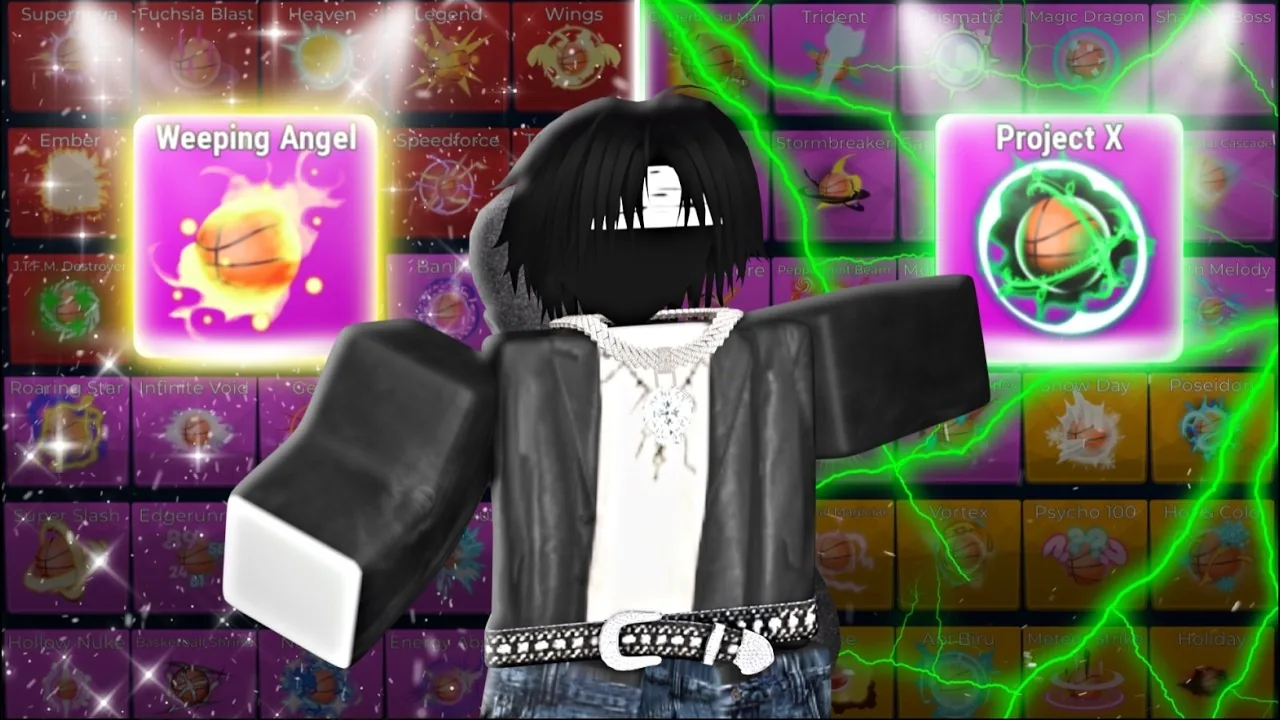
Scoring a Basketball Legends Roblox three pointer requires creating separation beyond the arc and releasing the shot meter on a full bar. Reliable spacing through stepbacks, perimeter resets, and post fades lowers contest percentages to secure greens.
Core Shooting Mechanics and Meter Timing
Shooting from long distance in Basketball Legends relies on input precision and defensive distance. On default PC controls, pressing the shoot key initiates the meter. Releasing the input when the meter hits the top mark produces a full-bar attempt. If the release matches the green window exactly, the attempt registers as a green light and bypasses rim bounce physics entirely.
Shot contest percentages dictate the difficulty of your release. When a defender is far away, the contest registers at 0%, granting a generous release window. As defenders close out, contest numbers rise to figures such as 15%, 28%, or 35%. Contested shots require a strictly timed full bar to drop. Missing the full bar on contested perimeter attempts leads directly to a bricked possession. Standing shots feature faster meter fill rates than moving pull-ups, requiring players to build muscle memory for both still and running catches.
Separation Moves for Open Three Pointers
Shooters cannot simply stand on the perimeter waiting for open looks against aggressive defenders. Using specific dribble moves forces the defense to react and creates space beyond the arc.
- Stepback spacing: Pressing the stepback key while facing the basket creates instant backward clearance. When defenders attempt to reach for a steal, the stepback pulls the shooter out of reach and drops the contest number to 0%.
- In-and-out perimeter resets: Driving directly into the paint forces the defender to retreat toward the rim. Quickly pulling the movement stick or directional keys back out toward the three-point line creates wide-open catch-and-shoot windows.
- Side post fadeaways: Engaging a defender with a post-up move compresses their defensive stance. When their guard stance breaks and their arms drop inward, releasing the post engagement and immediately fading toward the perimeter opens a clean three-point release.
Overusing one technique makes offensive possessions predictable. In the ranked queue, experienced defenders anticipate repeated stepbacks and close out quickly. Varying between direct drives, quick passes, and perimeter stepbacks keeps defenders from committing to aggressive steals.
Shot Selection Strategy
Selecting the right perimeter method depends on defender positioning and shot clock management. The 25-second shot clock provides adequate time to set up clean looks rather than throwing up contested bricks.
| Shooting Technique | Ideal Match Situation | Execution Cost |
|---|---|---|
| Stepback Three | Defender presses tightly and gambles on a steal | Cancels driving momentum toward the rim |
| In-and-Out Reset | Defender drops deep into the paint to protect layups | Consumes extra stamina and seconds off the shot clock |
| Post Fadeaway | Defender plays hard lateral defense along the perimeter | Demands precise meter release on moderate contest percentages |
Taking an open two-pointer remains preferable to forcing a heavily contested three. When defenders jump or crowd the arc at 60% contest or higher, driving inside for an uncontested layup or dunk keeps the offense efficient.
Graphic Settings and Frame Rate Impact
Visual clarity directly influences shooting accuracy. Lowering the graphics quality slider in Roblox settings removes bright court reflections and reduces visual clutter caused by blinding ball effects like Crystallize, Gamma, and Angelic. A clearer court view makes it straightforward to read defensive contest distances.
In a tutorial by competitive player clipz, setting the display frame rate to 60 FPS provides a steady baseline for learning full-bar release points on jump shots. While running at 240 FPS offers visual smoothness on defense when tracking opponents, 60 FPS delivers consistent shot meter cadence for timing green releases on long-range perimeter shots.
Unlocking the 3 Pointer Badge
Making your first perimeter basket awards an official Roblox achievement. The creator InfinitySports tracks long-range accuracy directly through game achievements. Sinking a shot beyond the arc automatically unlocks the 3 Pointer badge for your profile. Continuing to accumulate baskets contributes to your overall stat tracker, unlocking additional profile badges such as Scoring Leader upon reaching 1,000 lifetime points.
Next step
Effects for Sale
Review pricing, Robux store packages, and trading requirements for rare cosmetic visual trails available in Basketball Legends on Roblox.