
Basketball Legends Roblox green light: Shot Meter Timing and Settings
A Basketball Legends Roblox green light occurs when you release your shot meter right before the bar reaches the top, triggering a perfect release that scores consistently even through defensive contest. Releasing at full bar awards the official Green Light badge.
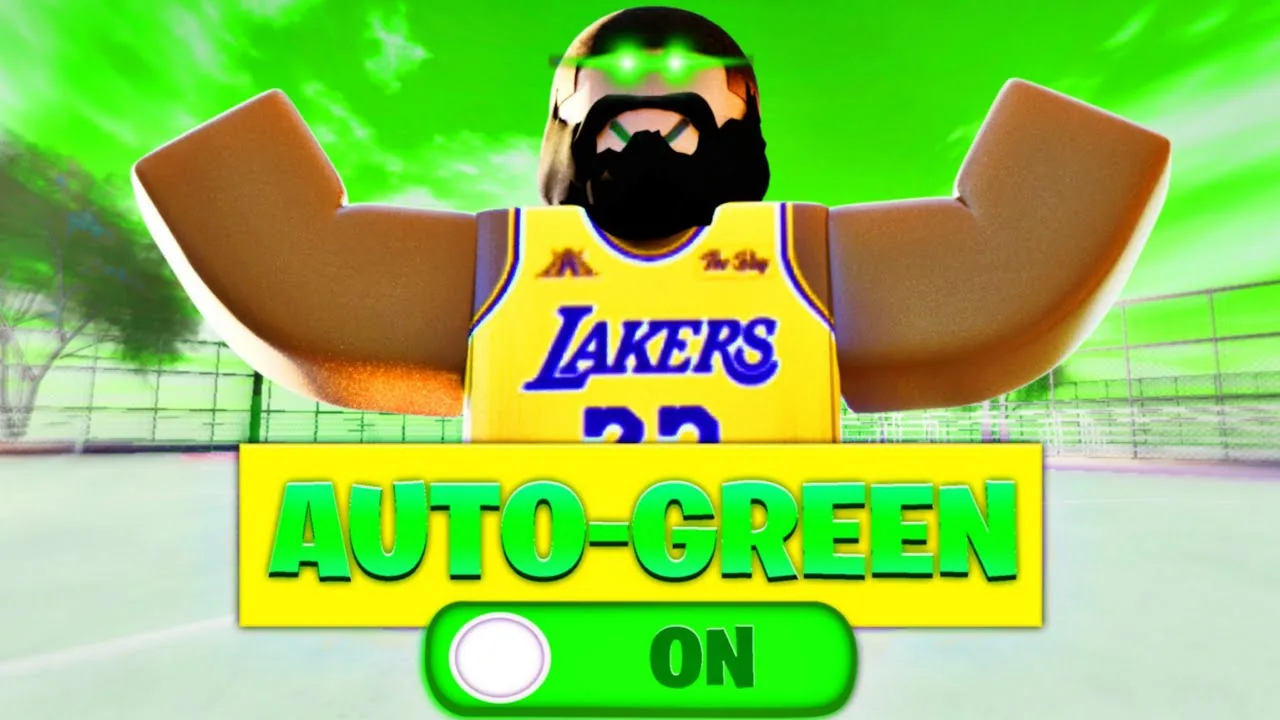
A Basketball Legends Roblox green light occurs when you release your shot meter right before the bar reaches the top, triggering a perfect release that scores consistently even through defensive contest. Releasing at full bar awards the official Green Light badge.
Shot Meter Mechanics and Release Timing
Scoring a perfect shot requires stopping the rising gauge right before the bar fills completely. Pressing and holding the shoot key—bound to E on standard PC controls or the dedicated on-screen button on mobile devices—initiates the jump and fills the shot gauge. Releasing too early leaves the meter short, while holding too long results in a late release that clangs off the rim.
A full bar release forces contested shots to drop even when defenders challenge your jumper. Uncontested open shots with a zero percent contest rating carry a wide forgiveness margin, but shots facing contest ratings between 15% and 38% will brick unless you hit a full bar green. Standing catch-and-shoot jumpers feature a rapid meter speed compared to set shots, requiring players to let go of the input slightly faster than they would on pull-up jumpers.
Alignment on the court alters the ease of your release window. Facing the rim straight on from either the left or right corner creates cleaner sightlines on the meter than firing while drifting diagonally across the perimeter. Sinking a clean release from beyond the arc also satisfies requirements for the in-game three pointer milestone.
Optimal Frame Rates and Visual Settings
Hardware performance alters shot meter behavior. Running the client at 60 frames per second provides the most reliable cadence for offensive timing. At 60 FPS, the meter fills at a steady visual speed, making full bar releases repeatable under pressure. Higher frame rates such as 240 FPS produce smoother character animations and responsive defensive tracking, but the faster visual refresh compresses the perceptible green window on offense.
Lowering the global graphics slider in the Roblox settings menu further sharpens your timing. Turning visual quality down eliminates input delay and removes visual glare from bright cosmetic balls such as Crystallize, Gamma, or Angelic, which can obscure defender positions and the shot gauge itself. Minimizing visual clutter also stabilizes your connection against sudden lag during park games.
| Frame Rate Setting | Best Use Case | Operational Impact |
|---|---|---|
| 60 FPS | Offensive shooting and full bar timing | Meter fill cadence stays steady, though defensive tracking feels slightly heavier |
| 240 FPS | On-ball perimeter defense and post recovery | Screen transitions become smoother, but the release point window tightens |
| Uncapped / Variable | General court traversal | Frame rate spikes shift the meter speed between consecutive possessions |
Competitive players often toggle their frame rate limit between possessions: locking the game to 60 FPS when holding the ball on offense, then switching to 240 FPS after scoring to contest opponents.
Creating Space with Post Moves and Angles
Hitting green releases against tight defenders depends on reducing contest percentages through physical positioning. The game's post mechanic allows ball handlers to bump defenders and compromise their defensive stance. Hitting an opponent with a clean post forces their character model's arms to close inward, creating an open window where contest penalties drop sharply.
The side post method involves activating shift lock, walking directly toward the defender's hip, holding the post input until their arms collapse, and immediately releasing into a fadeaway jumper. For paint-adjacent shots, a half-spin post accomplishes the same result: turning the ball handler's body until the post arm extends across the defender, then backing up to create separation before releasing the shot meter.
Combining a double-tap Eurostep with a post hook provides another path to a green release. Tapping the Eurostep key twice causes the player model to take an explosive lateral stride. Holding post and pressing shoot immediately after the double tap forces the ball into an overhand post hook that bypasses reaching defenders. If the defender sags completely into the paint, driving straight toward their torso to trigger a dunk alignment produces an uncontested basket without requiring perimeter meter timing.
Visual Customizations and Green Light Badges
Earning your first perfect release automatically unlocks the Green Light item in the official collection of Roblox badges established by InfinitySports. Beyond the base notification, players can modify the visual aura that bursts around their character whenever a shot greens.
Special shot effects are obtained through seasonal crates, wheel spins, and the premium All Star gamepass. The All Star pack grants access to both the Heaven Green Effect and the Fuchsia Blast Green Effect, replacing default shot visuals with distinctive cosmetic bursts. Other effects include Supernova, Solar Eclipse 2024, Project X, and Tidal Wave. While these cosmetic flares show off match prestige, they do not expand the underlying hit window on the meter; maintaining clean timing and proper frame rate limits remains the only method to green every shot.
Next step
How to Pass
Understand the number-key passing controls, full-court distribution mechanics, and assist systems in Basketball Legends on Roblox.